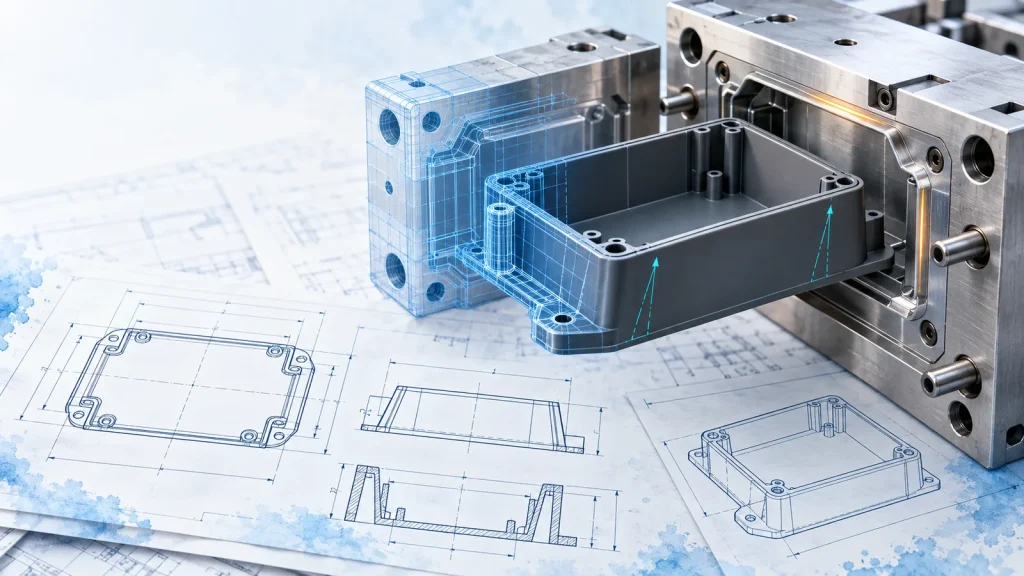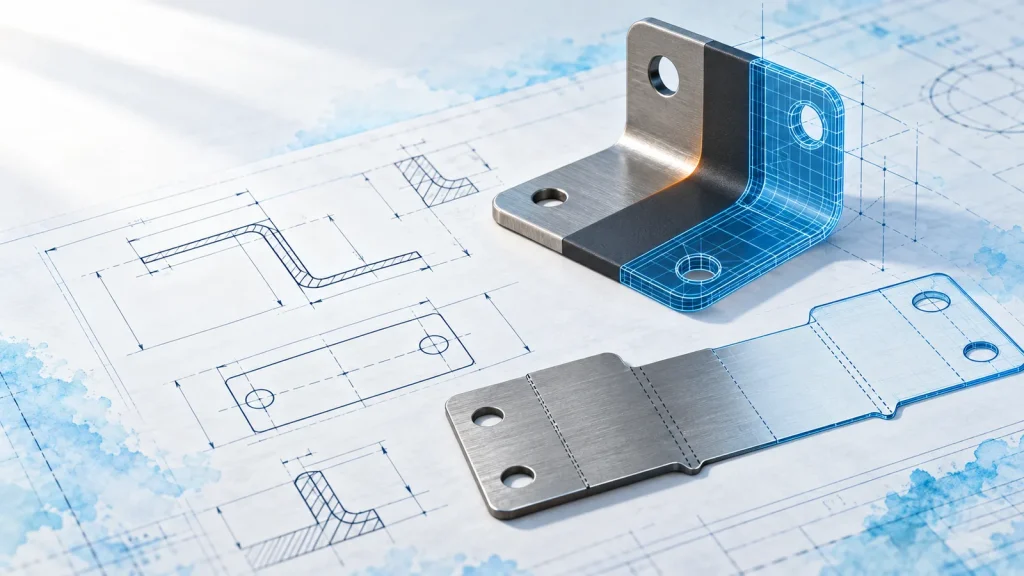

A good-looking shell is not the goal on its own: the surfaces have to stay editable, join without gaps and survive the shell and draft steps that come later. These three habits keep a CATIA surfacing job under control.
1. Build from a few clean curves
Every surface inherits the quality of the curves under it. Sketch the silhouette and the main sections first, check their curvature with the porcupine analysis, and only then create surfaces. Fewer control points mean smoother highlights.
2. Split the shape into patches you can name
Top, side, front radius, blend. If you cannot name a patch, it is probably doing two jobs. Patches with one job each are easier to rebuild when the design changes.
3. Check continuity at every join
Use the connect checker after each blend. Aim for G1 (tangent) on hidden edges and G2 (curvature) on visible ones, so reflections flow across the part without a kink.
- Curves first, surfaces second.
- One job per patch.
- Check G1 and G2 after every blend.